linux下通过按照如下修改.ssh/config设置账号密码,并 ssh -vT git@github.com,成功后输出Hi Kirrito-k423! You've successfully authenticated, but GitHub does not provide shell access.。
Host * # Win报错取消下面三行 getpeername failed: Not a socket getsockname failed: Not a socket ControlMaster auto ControlPath /tmp/sshcontrol-%C ControlPersist 1d ServerAliveInterval 30
nc
使用 yum install nmap-ncat -y
1 2 3 4
Host github.com ProxyCommand ncat --proxy 127.0.0.1:7333 --proxy-type socks5 %h %p User git Port 443"
Windows PowerShell 平台
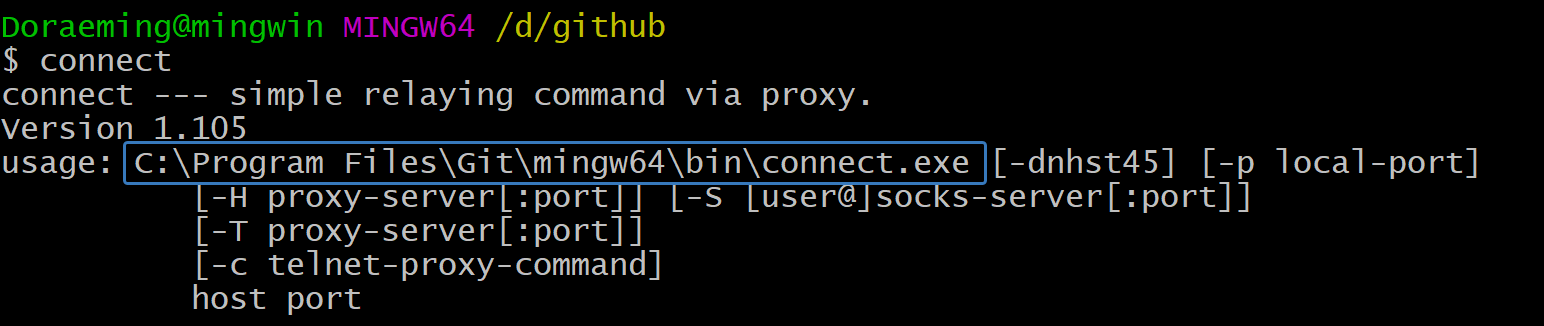
假如是windows下,如果安装了git bash,会有connect.exe的程序
配置如下[^1]
1 2 3 4 5 6 7 8 9 10 11 12 13 14 15 16 17
Host github.com User git Port 22 Hostname github.com # 注意修改路径为你的路径 IdentityFile "C:\Users\Administrator\.ssh\id_rsa" TCPKeepAlive yes # 这里的 -a none 是 NO-AUTH 模式,参见 https://bitbucket.org/gotoh/connect/wiki/Home 中的 More detail 一节 ProxyCommand E:\\commonSoftware\\Git\\mingw64\\bin\\connect.exe -S 127.0.0.1:7890 -a none %h %p
Host ssh.github.com User git Port 443 Hostname ssh.github.com # 注意修改路径为你的路径 IdentityFile "C:\Users\Administrator\.ssh\id_rsa" TCPKeepAlive yes
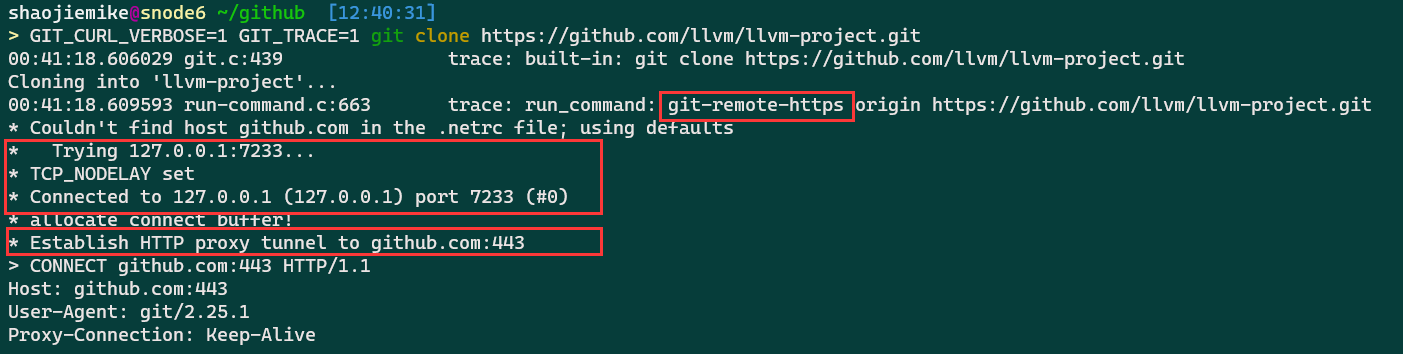
There are tons of identical solutions over the internet for defining proxy tunnel for git’s downloads like this one, which all is by setting git’s https.proxy & http.proxy config. but those answers are not working when you try to clone/push/pull etc. over the ssh protocol!
For example, by setting git config --global https.proxy socks5://127.0.0.1:9999 when you try to clone git clone git@github.org:user/repo.git it does not go through the defined sock5 tunnel!
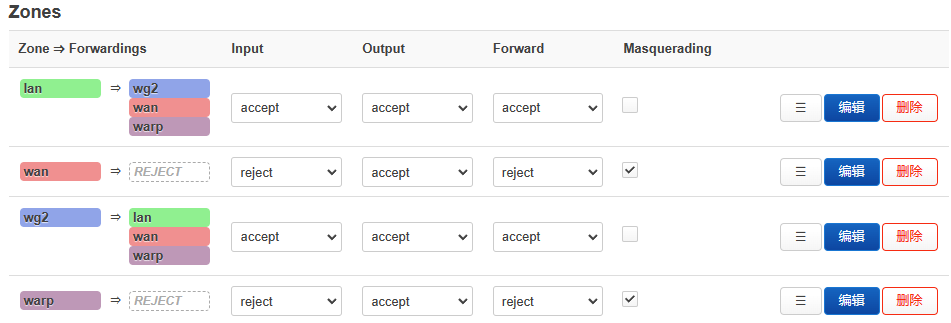
为了使得原本wg正常运行,10: from all lookup main suppress_prefixlength 1
假如warp_out是defualt规则,该项也是为了防止失联。
创建warp_out的空路由表1000: from all lookup warp_out,优先级1000
1 2 3 4 5 6 7 8
root@tsjOp:~/warp# ip rule
0:      from all lookup local
3:      from 114.214.233.141/22 iif eth1 lookup wan
3:      from 172.16.0.2 iif warp lookup warp
10:     from all lookup main suppress_prefixlength 1
1000:   from all lookup warp_out
32766:  from all lookup main
32767:  from all lookup default